Register
If you are getting started with the Nature Value Explorer for the first time, take the following steps:
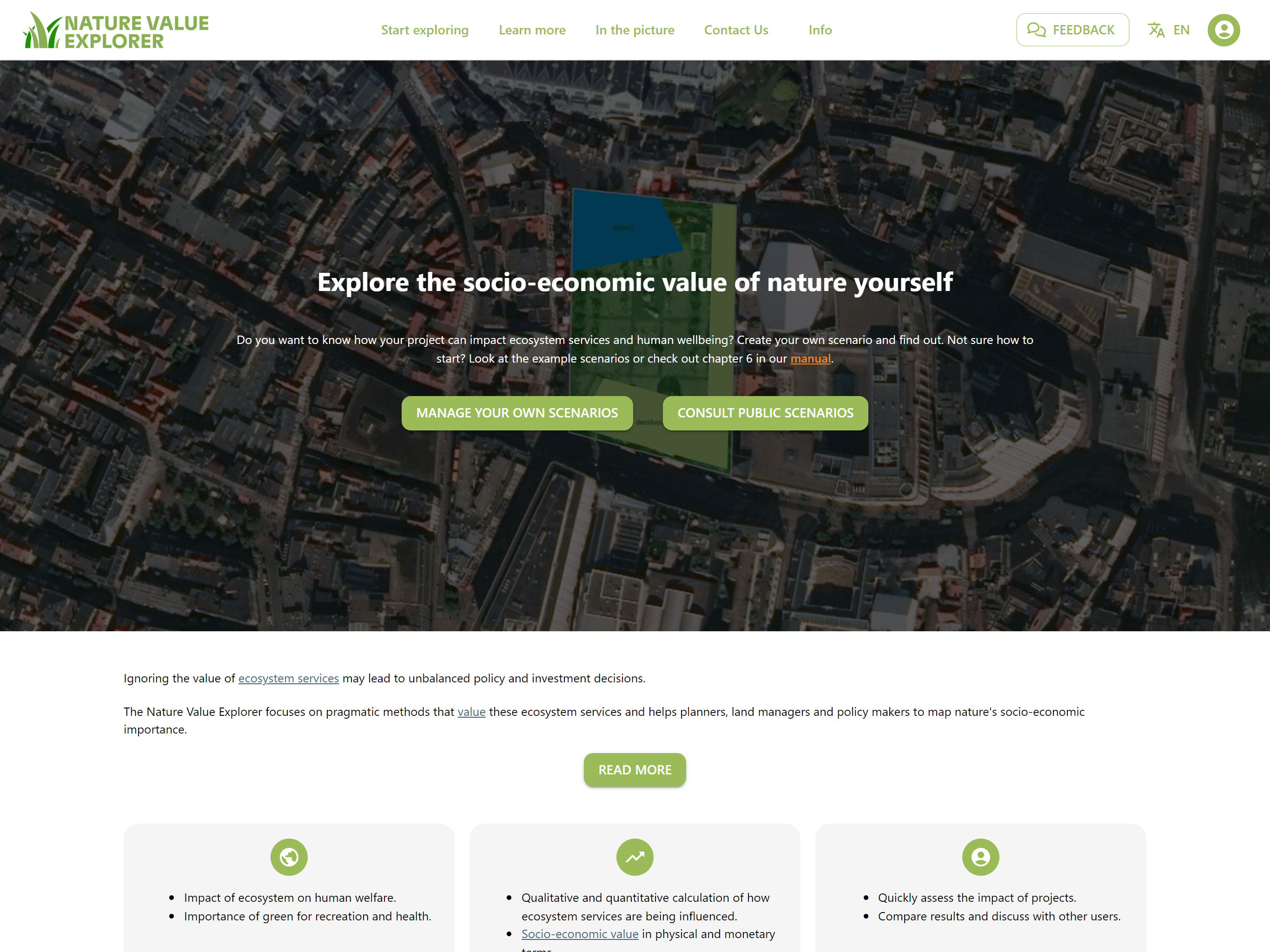
- If you first want to explore the scenarios of other users, click on the button "consult public scenarios"
- If you would like to calculate a scenario yourself, click on the logo in the top right corner
 of the screen. You can also change your language here. The tool is currently available in Dutch, French and English.
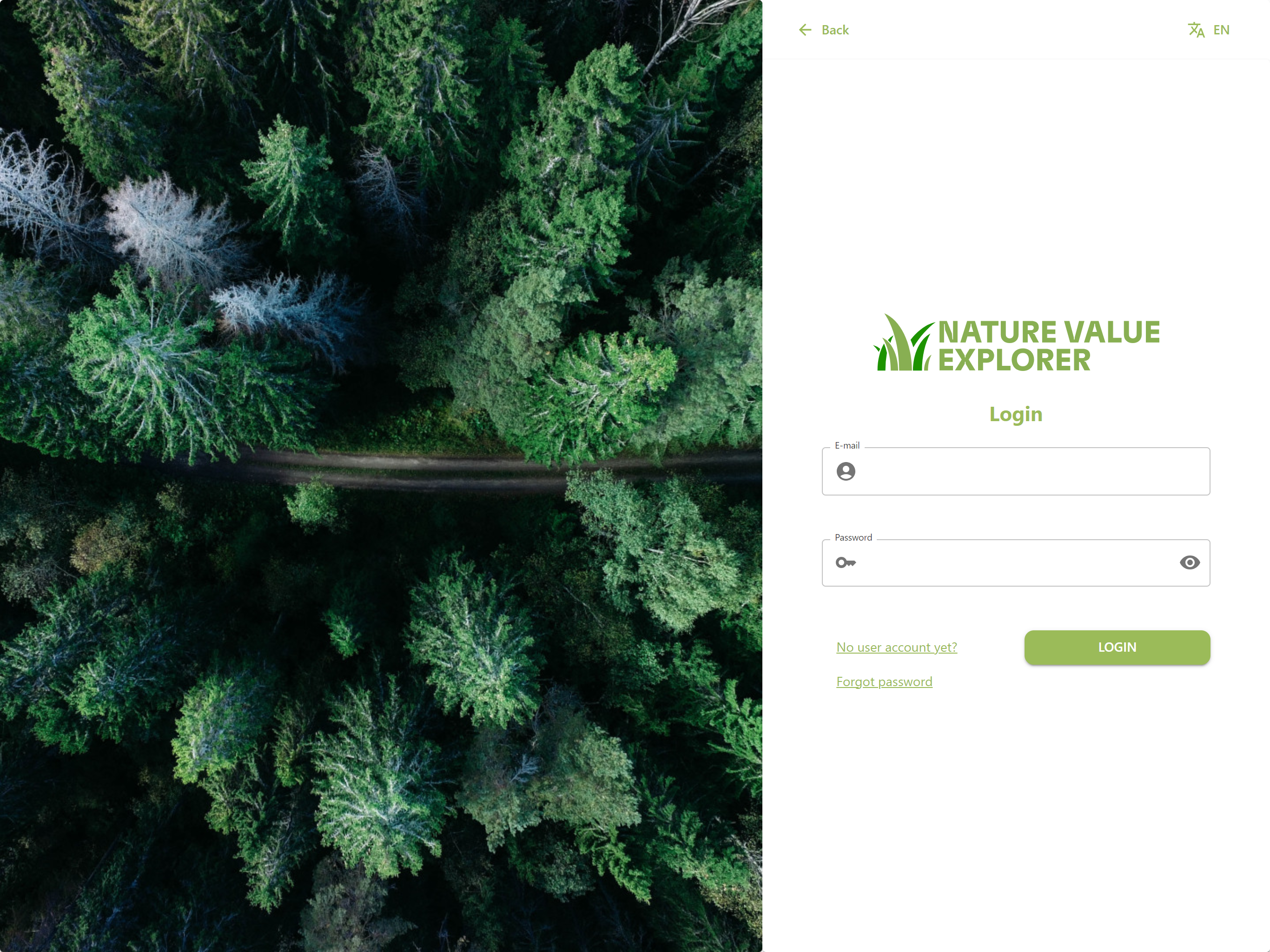
Click on the link "No user account yet?" on the login screen.
Fill in the requested information. Do not forget to indicate what we may use your data for.
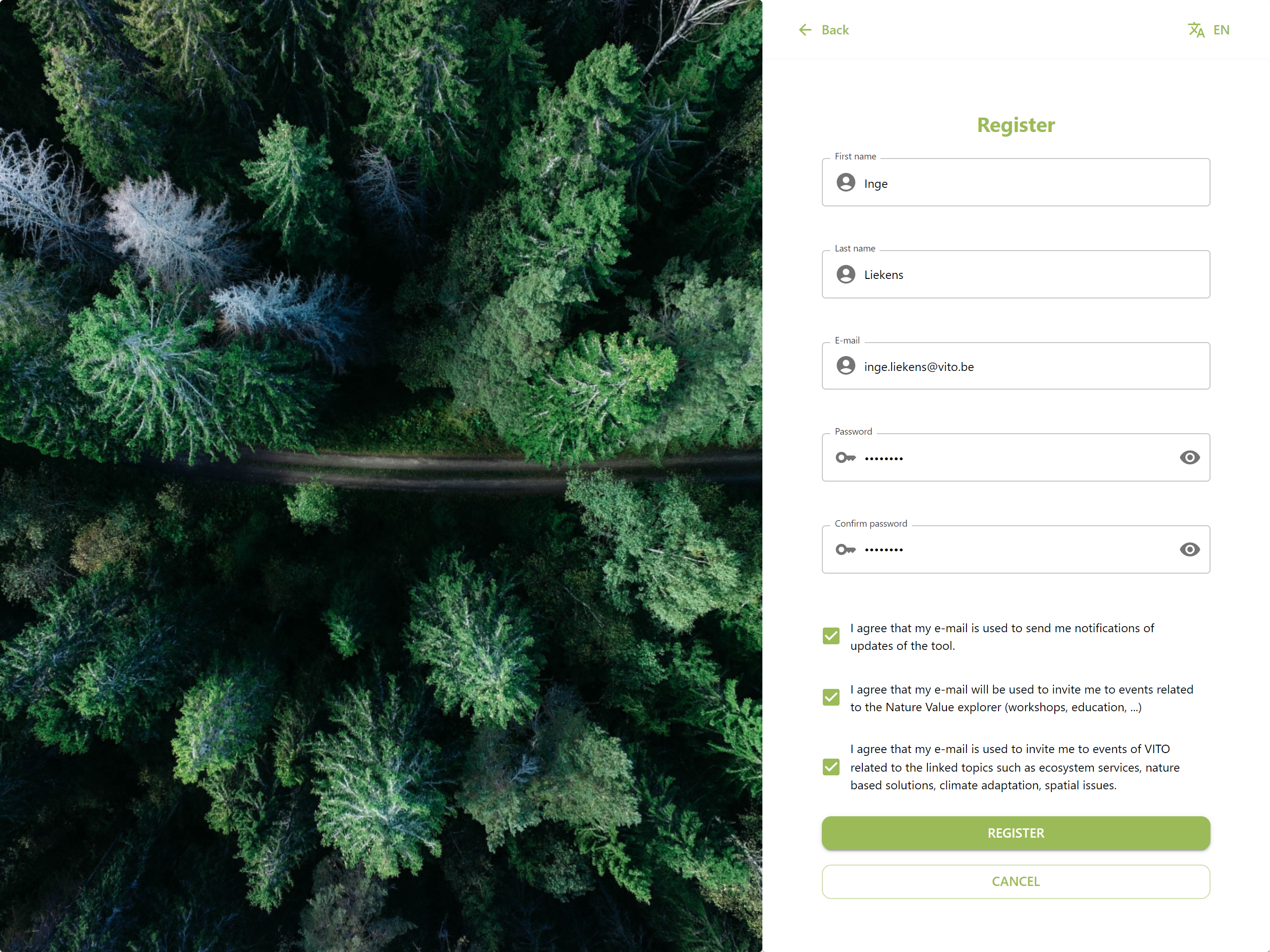
You will be sent a link to verify your email address. Be sure to check the SPAM box as well. Once you have clicked on the link in your email, you can log in and get started with the tool yourself.
When you log in for the first time, we ask you to answer a number of questions regarding the use of the tool. This way we get a better picture of our users and we can also better adapt the tool to their needs.
If you are already registered in the tool, you can also go directly to your scenarios from the homepage via the "manage your own scenarios" button.
You can always change your profile and password by clicking on your name in the top right corner.